Introduction: AI in Construction Equipment Moves Into the Cab
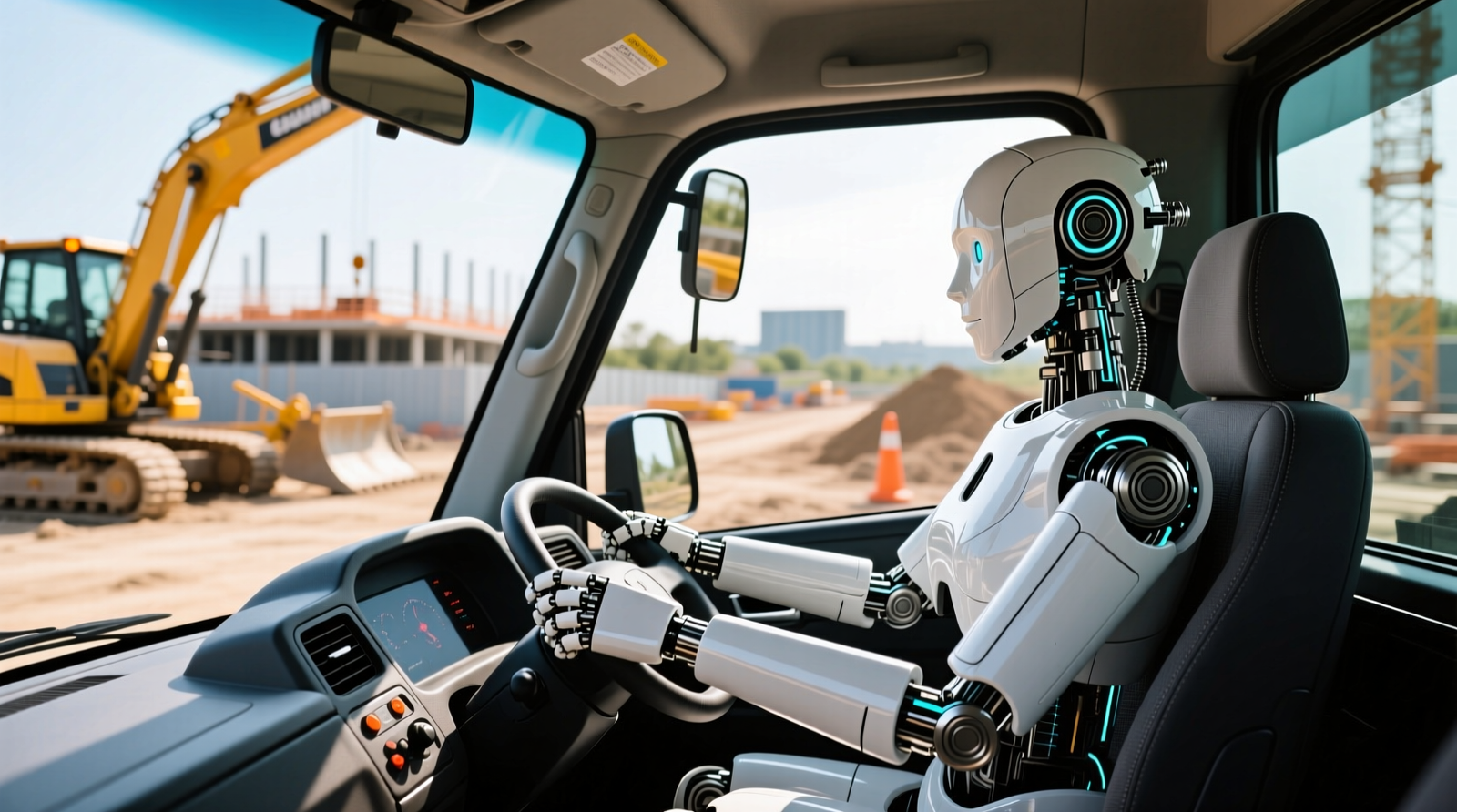
Caterpillar introduced the Cat AI Assistant as an in-cab, voice-driven interface that combines speech AI, edge AI (artificial intelligence processed locally on the machine), and safety workflows so operators and technicians can get machine-specific guidance without stopping work. Unlike generic voice assistants, this concept is designed to tie directly into Caterpillar machine data (fault codes, settings, utilization, and safety features) and the company’s telematics ecosystem.
External context: Contractor demand for skilled labor remains a constraint, and safety incidents remain costly. Industry surveys from the Associated General Contractors of America (AGC) consistently highlight hiring difficulty, while equipment and safety organizations like the Association of Equipment Manufacturers (AEM) emphasize increasing adoption of construction site safety technology and digital workflows.
TL;DR: Cat AI Assistant is positioned as a voice-first, edge-enabled assistant that uses machine telemetry and safety logic to support operators and technicians in real time.
Cat AI Assistant at CES 2026: What Was Actually Demonstrated
Caterpillar showcased the Cat AI Assistant at CES 2026 with a scenario-based demo focused on voice interaction and safety configuration (for example, setting operating limits tied to known hazards). In practical terms, this is not “AI for AI’s sake”—it’s an attempt to reduce time lost to searching manuals, calling a supervisor, or pausing production to confirm a setting.
For contractors evaluating AI in construction equipment, the CES-style demo matters because it highlights the intended operating model: the assistant is available in the moment, in the cab, under time pressure, rather than as a back-office analytics tool.
TL;DR: The CES demo emphasized voice-driven configuration and safety workflows designed for real-world, in-cab decision-making.
How the Cat AI Assistant Works on Construction and Mining Equipment
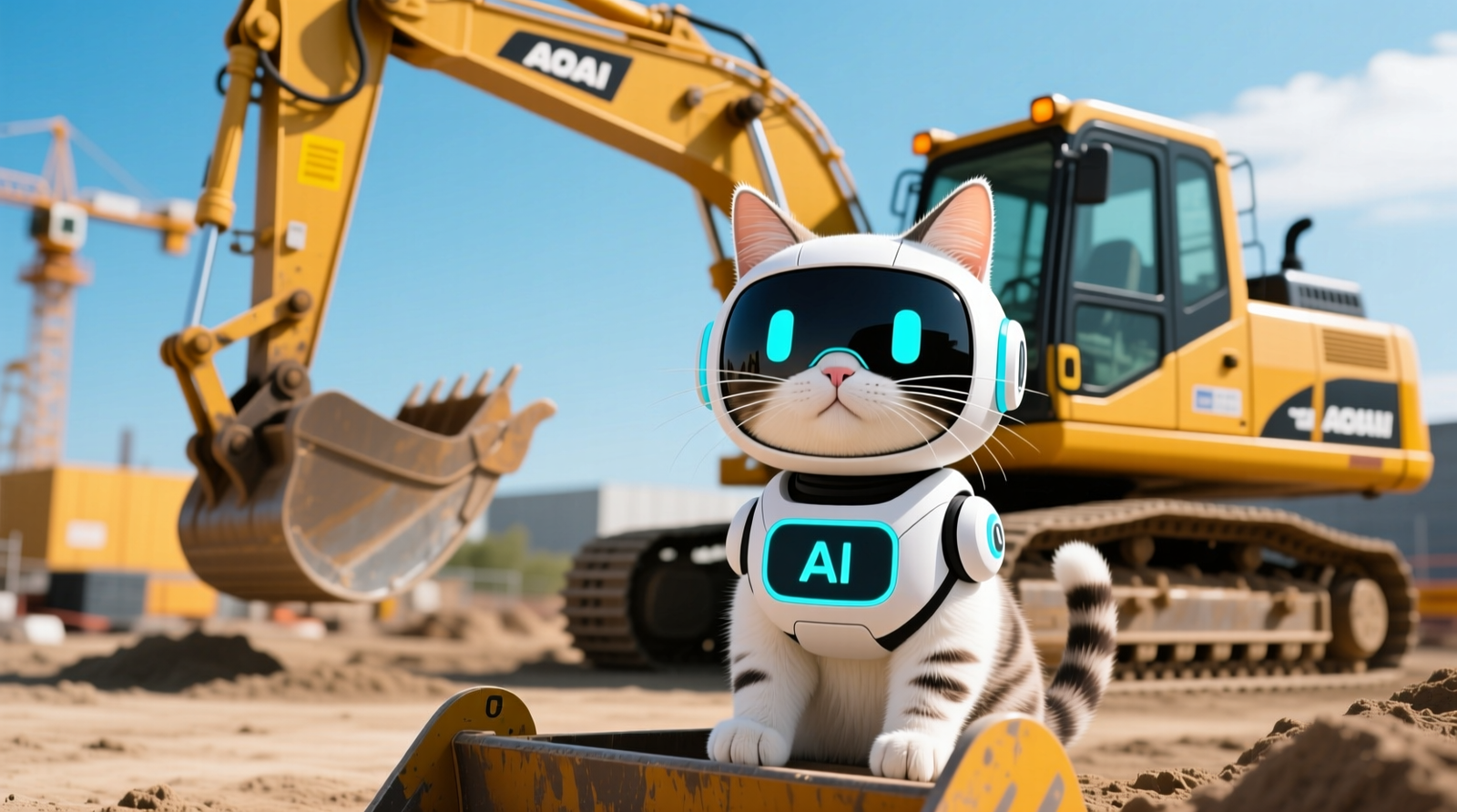
The core user experience is a voice interface: the operator asks a question (“What does this code mean?”, “How do I set a height limit?”, “What’s the next maintenance step?”) and receives a spoken response plus on-screen guidance. Under the hood, systems like this typically combine four layers:
- Automatic Speech Recognition (ASR): converts speech to text. (In this program, Caterpillar referenced NVIDIA Riva, an SDK for real-time speech and translation AI.)
- Natural Language Understanding (NLU): maps the operator’s intent (e.g., “set height limit”) and entities (e.g., “15 feet,” “boom”).
- Retrieval + reasoning: pulls answers from approved sources such as operator manuals, service procedures, and machine configuration rules; then forms a response. In industrial deployments, this is often implemented as “retrieval-augmented generation” (RAG), where a model generates responses grounded in a curated document set rather than free-form text.
- Machine integration layer: reads live telemetry and writes settings through machine electronic control units (ECUs) and human-machine interface (HMI) screens—typically with role-based permissions so only authorized changes can be made.
Edge AI for heavy equipment: In a jobsite environment, edge processing matters because connectivity can be intermittent and latency matters for usability. A realistic design target for voice assistants used in-cab is often sub-second to ~2 seconds from end-of-utterance to first response for common commands, assuming local inference (on-device or on-machine gateway) and a tuned ASR model for noisy environments.
Edge compute platforms (typical options): Caterpillar referenced NVIDIA partnership; common heavy-equipment edge architectures use ruggedized GPUs/SoCs (system-on-chip) such as NVIDIA Jetson-class modules or an on-machine industrial PC paired with CAN/J1939 data access. The critical requirement is deterministic integration with machine controls and safety interlocks—voice should request changes, but the system must enforce safe states.
How models are trained and updated (practical approach):
- ASR noise robustness is usually improved with domain audio (engine noise, hydraulics, tracks, alarms), microphone arrays, and “wake word” tuning to reduce accidental triggers.
- Vocabulary adaptation is essential: model customization for terms like “regen,” “DPF,” “hydraulic flow,” “stick,” “aux circuit,” and Cat-specific feature names.
- Lifecycle updates typically include OTA (over-the-air) updates for language models and intent libraries, plus offline update packages for low-connectivity fleets—governed by change control so behavior is stable and auditable.
TL;DR: The assistant combines ASR + NLU + grounded knowledge retrieval + ECU/HMI integration, ideally running at the edge to keep voice latency low and performance stable even with limited connectivity.
AI-Powered Safety Features for Heavy Equipment Operators (Sensors, Detection, and Response)
The safety value of an AI assistant for excavators (and other machines) depends less on “talking” and more on what it can reliably sense and enforce. In practice, people and hazard detection is usually built from a sensor stack and a set of defined machine responses:
- Cameras (RGB): used for object detection (people, vehicles, barricades) and zone monitoring; often multiple viewpoints (rear, side, 360°).
- Radar: robust in dust, fog, low light; useful for proximity detection and velocity estimation.
- LiDAR (Light Detection and Ranging): precise depth mapping for geofencing or detecting obstacles; more common in autonomy kits and higher-end safety packages.
- IMU (Inertial Measurement Unit): measures pitch/roll and helps infer motion states; relevant for stability warnings and slope operations.
- GNSS (Global Navigation Satellite System) / RTK (Real-Time Kinematic) positioning: supports geofences, height/zone limits, and site mapping where satellite reception is strong.
- Machine bus data (e.g., J1939/CAN): boom angle, stick position, hydraulic pressures, travel speed—critical for translating detections into safe operating constraints.
Example: overhead hazard mitigation (powerlines): Voice can make it faster to enable a predefined safety mode, but the underlying control logic typically relies on boom geometry sensors, calibrated linkages, and configured limits. OSHA highlights powerline contact as a serious risk category in construction; contractors should align any limiting feature usage with site-specific lift plans and safety procedures (see OSHA’s guidance at https://www.osha.gov/topics/electrical).
How edge AI safety decisions are usually implemented: Computer vision/radar detections feed a safety controller that can trigger graded alerts (visual + audible), haptic warnings, speed limiting, or function inhibit. The assistant’s role is to reduce friction—e.g., “Enable swing zone alerting,” “Explain why the machine is limiting motion,” or “Show the last 10 proximity alarms.”
Limitations to be explicit about:
- Noisy cabs and accents: ASR accuracy can drop with open windows, older machines with higher NVH (noise, vibration, harshness), or mixed-language crews. A push-to-talk button and tuned mic arrays help, but there will be misses.
- Occlusion and clutter: People detection degrades when workers are partially hidden by spoil piles, barriers, or low light; radar can help, but false positives/negatives remain a risk.
- Policy and operator acceptance: If alerts are too frequent or unclear, crews may ignore them. Deployment should include threshold tuning and safety policy alignment.
TL;DR: Safety performance depends on the sensor stack (camera/radar/LiDAR + machine geometry) and controlled responses; voice mainly improves speed and usability, but detection and ASR have real jobsite limitations.
Integration With Cat Telematics (Product Link, VisionLink) and Fleet Safety Workflows
For fleet managers, the differentiator is whether an assistant is “bolted on” or whether it can leverage existing Caterpillar connectivity and data structures. Caterpillar’s ecosystem typically includes Cat Product Link (telematics hardware used to transmit machine data) and VisionLink (fleet monitoring software). When an assistant is integrated at this level, it can potentially:
- Use live telemetry (hours, location, fuel, idle time, event codes) to provide contextual answers: “Why did idle spike today?” or “What’s the maintenance status?”
- Translate fault codes into actionable steps: “Code XYZ—what checks should I do first?” and “What parts are typically needed?”
- Create traceable events: voice-triggered actions can generate logs (“Operator enabled height limit at 10:14”) helpful for audits and incident review.
- Support maintenance planning: connect recommendations to planned service windows and work orders, rather than leaving guidance as “in-cab only.”
External references: Caterpillar provides overviews of telematics and fleet tools via its official channels, including VisionLink and connectivity resources (Product Link is commonly referenced within Cat connectivity offerings; availability varies by machine family and region). NVIDIA’s industrial edge AI building blocks are documented at https://www.nvidia.com/en-us/industries/.
Practical note: If you already run mixed fleets and third-party platforms, the key evaluation question is API/export support—can events and utilization data flow into your existing EHS (environment, health, and safety) and maintenance systems without double entry?
TL;DR: Integration with Product Link/VisionLink can turn voice queries into telemetry-aware answers and auditable actions—more useful than a standalone assistant.
Use Cases and Mini Case Studies (Realistic Scenarios With Metrics)
Below are realistic, hypothetical examples based on how contractors typically measure productivity, safety, and downtime. Actual results depend on site conditions, training maturity, and how aggressively features are configured.
Case 1: AI assistant for excavators reduces onboarding time
Scenario: A mid-size civil contractor adds 12 new operators across two projects (utility trenching and site prep). Historically, each operator requires ~40 hours of supervised “cab time” before running independently on production tasks.
- Deployment: Push-to-talk voice guidance + standardized “how-to” prompts for common tasks (aux hydraulic setup, work modes, safe shutdown, daily inspection checklist).
- Measured impact (12-week period): supervised onboarding reduced from ~40 hours to ~28 hours per operator (≈30% reduction) because operators self-serve answers in-cab instead of waiting for a foreman or paging a senior operator.
- Operational effect: foreman time reallocated to production coordination; fewer “stop work to ask” interruptions.
TL;DR: When the assistant answers task-specific questions in context, contractors can reduce supervised training hours and free up senior staff.
Case 2: Construction site safety technology reduces near-miss exposure in swing zones
Scenario: An urban utility job has frequent pedestrian/spotter interactions and tight swing clearances. Near-misses are tracked via internal EHS reporting and proximity alarms.
- Deployment: camera + radar proximity detection with graded alerts; voice commands to review alarm causes and confirm zone configuration at shift start.
- Measured impact (8 weeks): “high-severity proximity alarms” decreased by ~20–35% after alert thresholds were tuned and operators received consistent coaching prompts (e.g., “confirm swing exclusion zone set”).
- Tradeoff: First two weeks showed an increase in total alarms due to higher sensitivity—requiring tuning to reduce nuisance alerts.
TL;DR: Proximity detection plus voice-supported setup can reduce high-severity near-miss conditions, but alert tuning is essential to avoid alarm fatigue.
Case 3: Reduced downtime through guided troubleshooting and parts readiness
Scenario: A quarry fleet experiences intermittent derates and unplanned stoppages. Technicians spend time interpreting fault codes and locating the right procedure.
- Deployment: voice queries tied to fault codes + step-by-step diagnostic checklist; integration with telematics history to show “first occurrence,” “repeat frequency,” and recent service actions.
- Measured impact (one quarter): mean time to diagnose (MTTD) reduced by ~15–25%, and repeat visits reduced because technicians arrive with the likely parts list based on guided checks.
TL;DR: When the assistant connects fault codes to guided diagnostics and telematics history, it can shorten diagnosis time and reduce repeat repairs.
NVIDIA–Caterpillar Partnership for Edge AI in Construction and Mining
Caterpillar has highlighted NVIDIA technology (notably NVIDIA Riva for speech AI) as part of its approach to delivering low-latency voice experiences. The practical reason this matters for edge AI for heavy equipment is compute locality: if ASR and intent recognition run close to the machine, operators get responses fast enough to be usable during active work, and the system remains functional when network connectivity is limited.
What’s potentially unique versus competing assistants:
- Deeper machine-context integration: OEM-level access to ECU parameters, feature flags, and validated operating limits is harder for aftermarket solutions to replicate safely.
- Unified deployment model: a single vendor can coordinate hardware, firmware, telematics, and support—reducing integration risk compared with stitching together voice AI + sensors + a third-party gateway.
- Edge-first safety workflows: pairing voice with on-machine sensing and constraint logic can be more operationally relevant than a cloud-only chatbot that cannot see the machine state.
External reference: NVIDIA provides an overview of edge and industrial AI use cases across sectors at https://www.nvidia.com/en-us/solutions/edge-computing/.
TL;DR: The NVIDIA partnership supports low-latency, edge-first voice AI, and Caterpillar’s advantage is OEM-grade integration with machine controls and telematics.
Implementation Guide for Contractors and Fleet Managers (Hardware, Connectivity, Change Management)
If you’re evaluating voice-activated machine control and in-cab AI assistance, plan the rollout like a safety-critical digital system—not a phone app.
- Hardware requirements:
- Rugged in-cab microphone (often noise-canceling) and HMI support.
- On-machine edge compute (GPU/accelerator-enabled gateway) if voice inference and hazard detection are local.
- Sensor stack for hazard detection (camera/radar/LiDAR depending on package and risk profile).
- Connectivity needs:
- Cellular or site Wi‑Fi for syncing logs, updating models, and fleet dashboards.
- Offline/low-connectivity mode for core functions (common commands, cached manuals, last-known configurations).
- Training steps:
- Create a standard command set (what operators should say) to reduce variance.
- Run short “voice drills” during toolbox talks: push-to-talk usage, confirmation prompts, and escalation rules.
- Teach operators what the system cannot do (e.g., it may not “see” a worker behind an obstruction).
- Change management tips:
- Start with one machine family (e.g., excavators) and one site type to tune thresholds.
- Appoint a “super user” operator and a maintenance champion to capture feedback weekly.
- Measure outcomes: training hours, alarm rates, downtime, and operator satisfaction.
Where it fits best: urban utility work (overhead hazards), large earthmoving projects with mixed traffic, remote mining/quarry operations (limited network), and pipeline/right-of-way work where standardized procedures reduce variation.
Known constraints: extremely noisy environments, underground operations with limited GNSS, and sites where regulatory approvals require explicit validation of any motion-limiting features.
TL;DR: Successful deployments require the right edge hardware + sensors, a connectivity plan, structured operator training, and measured tuning to avoid nuisance alerts and low adoption.
Data Governance, Security, and IP Considerations

Fleet data (location, utilization, events, fault codes, and potentially audio transcripts) raises legitimate privacy and intellectual property (IP) concerns—especially on sensitive industrial projects. A well-designed deployment typically separates:
- Real-time control and safety logic: processed at the edge/on-machine for latency and reliability.
- Fleet analytics and reporting: synchronized to cloud systems (when permitted) for trending, benchmarking, and planning.
- Model improvement data: collected with explicit governance—often using opt-in policies, anonymization where feasible, retention limits, and role-based access control.
Contractors should ask vendors to document (1) what data is stored, (2) where it is processed, (3) retention periods, (4) who can access it, and (5) how updates are validated. For broader guidance on cybersecurity practices, NIST’s high-level resources are a useful reference point (see https://www.nist.gov/cyberframework).
TL;DR: Aim for edge processing for real-time functions, cloud sync for analytics, and explicit policies for audio/transcript retention, access control, and update validation.
Rollout Reality Check: Supported Machines, Regions, and Safety Alignment
Caterpillar has discussed the Cat AI Assistant in a showcase context; readers should treat early announcements as beta or phased rollout unless Caterpillar states general availability for specific models and regions. In real deployments, support is typically defined by:
- Machine families: commonly excavators, wheel loaders, dozers, motor graders, and mining/haul applications—depending on available sensors, HMI, and telematics hardware.
- Regional connectivity: cellular coverage and regulatory constraints can impact feature availability.
- Safety alignment: contractors should ensure procedures align with applicable regulations and standards (e.g., OSHA requirements in the U.S., and relevant ISO standards used in machinery safety programs). ISO maintains standards references at https://www.iso.org/committee/538726.html (general machinery safety committee information).
Operator perspective (summarized field feedback style): A common sentiment from experienced operators evaluating in-cab assistants is: “If it saves me from digging through screens or calling someone when a code pops up, I’ll use it—but it can’t slow me down or talk over alarms.” That’s a useful bar for acceptance: speed, clarity, and minimal disruption.
TL;DR: Expect phased availability by machine family and region; adoption depends on meeting safety requirements and proving the assistant is faster and less distracting than current practice.
Conclusion: What to Watch Next

The Cat AI Assistant concept is best understood as a practical layer on top of machine controls, sensors, and telematics—using voice to reduce friction in safety setup, troubleshooting, and operator coaching. The strongest value proposition is OEM-level context (telemetry + configuration + validated workflows) delivered with edge latency that’s usable in real production.
Near-term roadmap items that would materially increase value for contractors include multilingual support tuned for noisy cabs, integration with wearables (e.g., proximity tags for workers in exclusion zones), and cross-fleet analytics that connect in-cab coaching to measured outcomes (incident precursors, idle reduction, and maintenance compliance).
TL;DR: The real test will be edge reliability, deep telematics integration, and measurable outcomes—next gains likely come from multilingual voice, wearables, and fleet-wide safety analytics.
FAQ
Q: Which Caterpillar machine models support the Cat AI Assistant?
A: Caterpillar has showcased the Cat AI Assistant concept publicly, but model-by-model support is typically announced in phases based on HMI compatibility, telematics hardware (e.g., Product Link), and available sensor packages. In practice, contractors should expect initial support to focus on higher-volume platforms such as excavators, wheel loaders, and select mining/construction machines where in-cab displays and connectivity are already common. Confirm availability with your Cat dealer for your exact serial number range and region.
Q: Does the Cat AI Assistant work offline or in low-connectivity environments?
A: For jobsite usability, key functions are generally designed to run at the edge (on-machine or on a local gateway) so common voice commands and safety interactions can still operate with limited connectivity. Cloud connectivity is typically used for syncing logs, fleet dashboards (e.g., VisionLink), and delivering updates. Contractors working in remote mining, pipeline, or rural earthmoving should specifically ask what features remain available offline and how long documents/models are cached locally.
Q: How is the AI assistant updated and maintained over the machine’s lifecycle?
A: Industrial AI assistants are usually maintained through a combination of over-the-air (OTA) updates (when connectivity allows) and dealer-supported service updates. Updates may include speech model improvements (noise robustness), new command intents, additional machine-family workflows, and security patches. Ask whether updates require operator re-training, whether they can be staged by fleet, and what validation/testing is done to ensure new releases don’t change safety behavior unexpectedly.
Q: Can voice-activated machine control create safety risks?
A: It can if not implemented with safeguards. A well-designed voice system should use push-to-talk or wake-word controls, confirmations for critical settings, role-based permissions, and hard safety interlocks so voice cannot override protective functions. Also, voice should not be the only path to a safety feature—operators must be able to use physical controls/HMI if the voice system mishears commands in a noisy cab.
Q: What operations benefit most from edge AI for heavy equipment?
A: The best candidates are operations where seconds matter and conditions change quickly: urban utility work with overhead hazards, congested sites with spotters and mixed traffic, and remote projects where connectivity is inconsistent. Edge AI is also valuable in mining and quarry environments where dust and low visibility can reduce camera performance—radar/LiDAR-assisted detection can improve robustness, though no sensor stack eliminates all blind spots.